Image SEO helps search engines and users understand visual content. It also overlaps with accessibility and performance because images must be discoverable, descriptive, relevant, and fast. The best image optimization is not just compression; it is choosing the right image, placing it near relevant text, giving it useful alt text, and serving it in the right size and format.
What this page must do
Start with whether the image is useful. Decorative images can have empty alt text, but informative images need text that explains their purpose. Product, diagram, chart, and screenshot images should sit near explanatory content. Use standard image elements, responsive sizing, explicit dimensions where practical, and lazy loading below the fold.
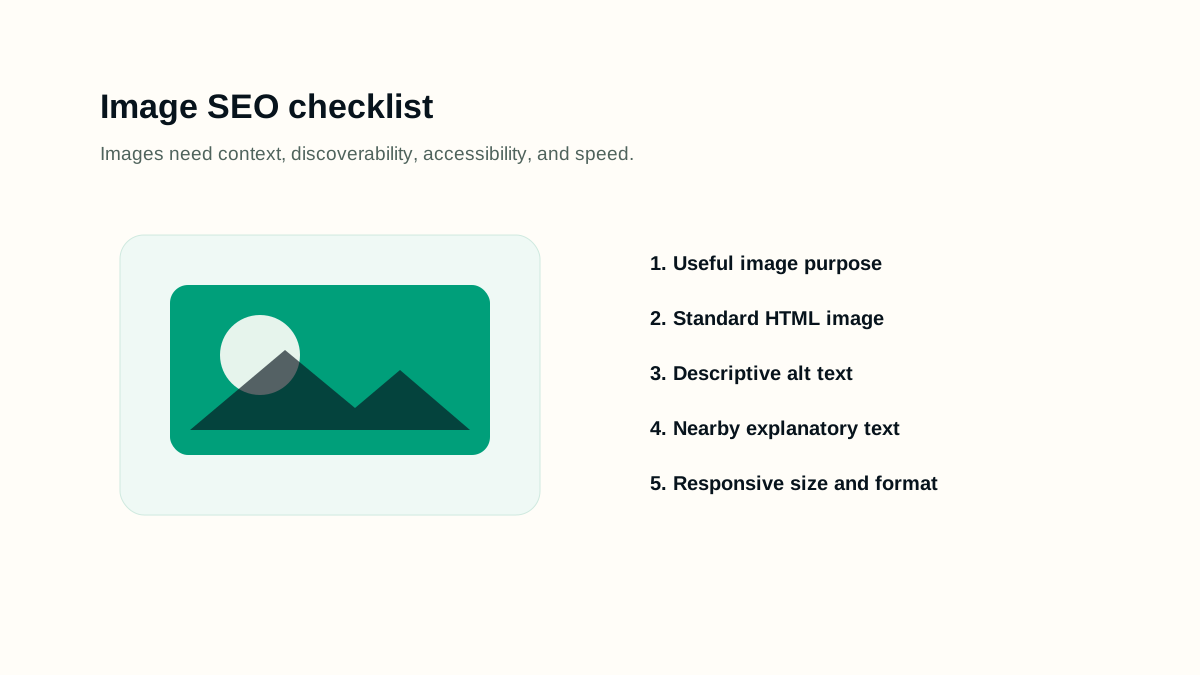
A practical workflow
- Choose images that actually clarify the page topic.
- Use standard img or picture markup with a fallback src.
- Write alt text that describes the image's role in the page, not a keyword list.
- Use descriptive filenames for important images.
- Serve responsive sizes and lightweight formats while preserving visual quality.
- Include image URLs in sitemaps only when that helps discovery at scale.
Working example
Imagine the page is being prepared for a real publishing queue. The editor has one URL, one primary intent, a sitemap rule, and a follow-up date. For image seo guide, the useful work is to decide what must be visible before launch, what can be measured after launch, and which signals would prove that the page is helping users instead of only adding another URL.
- Write the page brief before writing the final article.
- Name the primary query group and the reader's next action.
- Check the rendered page, not only the draft data.
- Record the verification date so later reporting has context.
Implementation checklist
- Important images are in HTML, not only CSS background images.
- Alt text is useful for people who cannot see the image.
- The image appears near text that explains it.
- The chosen social image represents the page and is not a generic logo.
- Large images have explicit sizing, compression, and responsive delivery.
- Below-fold images lazy load without causing layout shift.
Decision rules
Use decision rules to keep the work honest. A rule prevents the page from becoming a collection of SEO opinions and makes the review easier for another person. The rule should explain what to do when evidence is weak, when a page is too thin, when a signal conflicts with another signal, and when the safest answer is to wait for better data.
- If the page cannot answer a clear reader need, do not publish it as indexable content.
- If the technical signal conflicts with visible content, fix the visible content or remove the signal.
- If a section only repeats the title in different words, replace it with an example, checklist, or caveat.
- If a change cannot be verified, mark it as an editorial assumption rather than a completed fix.
- If a future page is scheduled, keep it out of public links and sitemaps until the publish date.
Common mistakes
- Stuffing alt text with repeated keywords.
- Using generic filenames for important diagrams or product images.
- Making text inside an image the only copy on the page.
- Serving a huge desktop image to mobile users.
- Cropping screenshots so the useful content cannot be inspected.
How to measure it
Measure image SEO with image discovery, page impressions where visual previews appear, LCP impact, layout stability, accessibility checks, and whether users can understand the image in context. A beautiful image that slows the page or lacks context can still be a search and UX problem.
Release checklist
- Confirm the canonical URL, title, meta description, headings, and language alternates.
- Open the page on mobile and desktop to check spacing, tables, diagrams, and code blocks.
- Verify the page appears in the sitemap only when it is live.
- Check that images have useful alt text and do not create layout shift.
- Add internal links from related guides after the destination page is public.
AI review prompt
Use this prompt after you have a real URL, page draft, or crawl export. It is meant to produce fixes you can review, not automatic publishing decisions.
Act as an image SEO and accessibility reviewer.
Page URL: [URL]
Important images: [list]
Review image purpose, alt text, nearby text, filenames, dimensions, lazy loading, LCP risk, social image choice, and sitemap need.
Final review
A strong SEO page is not only optimized for a keyword. It is reachable, understandable, useful, and honest about what it can answer. Before publishing, check the rendered page, the snippet fields, internal links, indexability, and whether a reader can act without opening five more tabs.
Revisit the page when search intent changes, when the product or platform changes, when Search Console shows new query groups, or when users repeatedly need clarification. Refreshing content should make the page more accurate and useful; it should not be a cosmetic date change.