SEO tools are useful when they answer a specific question. Beginners often open too many dashboards and then treat every warning as equally important. A better workflow is to begin with the decision you need to make: is the page indexable, is the snippet clear, are links crawlable, is the sitemap clean, is the page slow, or is the content missing important sections?
What this page must do
Use Search Console for how Google sees your own site, a crawler for URL and internal-link inventory, a snippet tool for titles and descriptions, a sitemap validator for XML hygiene, a robots generator for crawl rules, and performance tools for real loading and interaction issues. Tools should create evidence for a fix, not replace judgment.
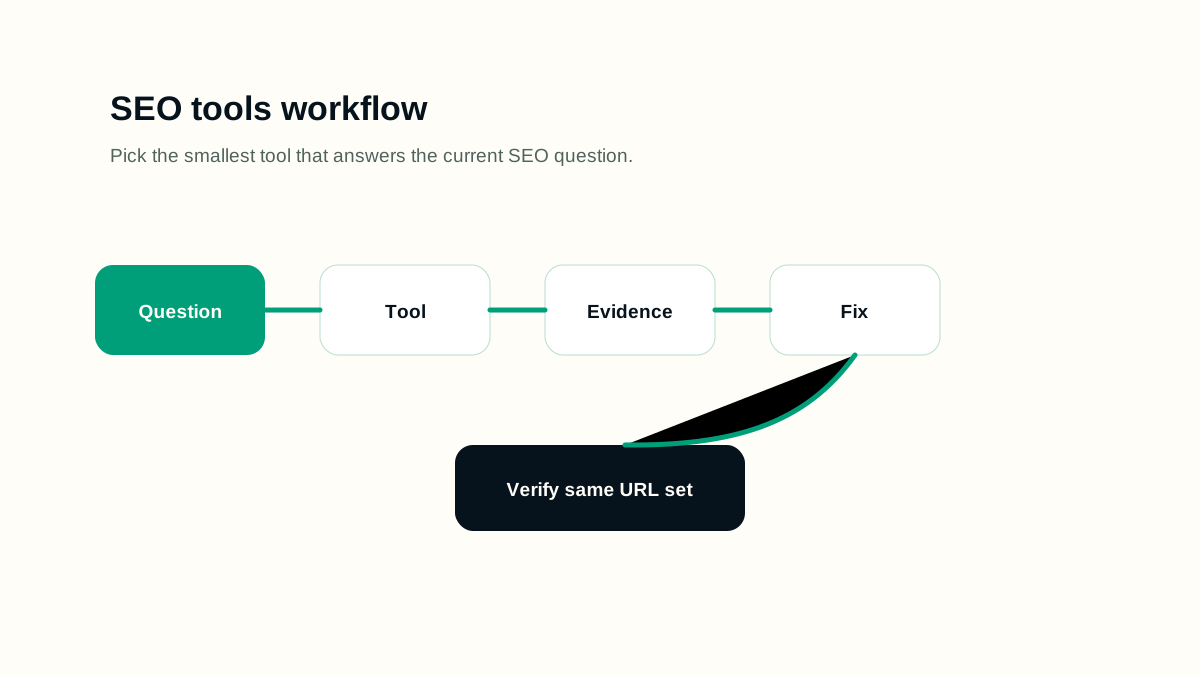
A practical workflow
- Write the SEO question before opening a tool.
- Use Search Console to confirm indexing, query, sitemap, and page performance signals.
- Use a crawler to find status codes, canonicals, titles, descriptions, internal links, and orphan risk.
- Use focused free tools for one job at a time: metadata preview, canonical check, sitemap validation, robots generation, redirect chain review.
- Export only the evidence needed for the fix plan.
- Recheck the same URLs after implementation instead of switching metrics too early.
Working example
Imagine the page is being prepared for a real publishing queue. The editor has one URL, one primary intent, a sitemap rule, and a follow-up date. For seo tools for beginners, the useful work is to decide what must be visible before launch, what can be measured after launch, and which signals would prove that the page is helping users instead of only adding another URL.
- Write the page brief before writing the final article.
- Name the primary query group and the reader's next action.
- Check the rendered page, not only the draft data.
- Record the verification date so later reporting has context.
Implementation checklist
- Each tool result is connected to a real URL, query, template, or sitemap.
- Warnings are grouped by impact instead of copied directly into a report.
- Manual inspection confirms important pages before bulk changes are made.
- Generated metadata, robots rules, and redirects are reviewed before publishing.
- Tool exports do not expose private, staging, or API URLs in public content.
- A follow-up check uses the same tool and the same URL set.
Decision rules
Use decision rules to keep the work honest. A rule prevents the page from becoming a collection of SEO opinions and makes the review easier for another person. The rule should explain what to do when evidence is weak, when a page is too thin, when a signal conflicts with another signal, and when the safest answer is to wait for better data.
- If the page cannot answer a clear reader need, do not publish it as indexable content.
- If the technical signal conflicts with visible content, fix the visible content or remove the signal.
- If a section only repeats the title in different words, replace it with an example, checklist, or caveat.
- If a change cannot be verified, mark it as an editorial assumption rather than a completed fix.
- If a future page is scheduled, keep it out of public links and sitemaps until the publish date.
Common mistakes
- Buying more tools before defining the SEO workflow.
- Fixing low-impact warnings while indexability problems remain open.
- Copying AI-generated metadata without checking search intent.
- Using a crawl export as a public content source.
- Letting tool scores replace user experience and rendered-page review.
How to measure it
Measure tool usefulness by decisions made and fixes verified. A tool is helping if it reduces uncertainty, catches repeatable problems, or confirms that a change worked. If it only produces a bigger spreadsheet, narrow the question and use a simpler check.
Release checklist
- Confirm the canonical URL, title, meta description, headings, and language alternates.
- Open the page on mobile and desktop to check spacing, tables, diagrams, and code blocks.
- Verify the page appears in the sitemap only when it is live.
- Check that images have useful alt text and do not create layout shift.
- Add internal links from related guides after the destination page is public.
AI review prompt
Use this prompt after you have a real URL, page draft, or crawl export. It is meant to produce fixes you can review, not automatic publishing decisions.
Act as an SEO workflow planner.
Goal: [indexing/snippet/sitemap/redirect/performance/content]
Available tools: [list]
Create a minimal tool workflow with: question, tool, input, output, decision, fix, and verification step.
Final review
A strong SEO page is not only optimized for a keyword. It is reachable, understandable, useful, and honest about what it can answer. Before publishing, check the rendered page, the snippet fields, internal links, indexability, and whether a reader can act without opening five more tabs.
Revisit the page when search intent changes, when the product or platform changes, when Search Console shows new query groups, or when users repeatedly need clarification. Refreshing content should make the page more accurate and useful; it should not be a cosmetic date change.