Google Play screenshots और feature graphic तब useful है जब यह real reader या operator को better decision लेने में help करे, सिर्फ isolated SEO tactic add न करे। Arjns-style publishing में page problem explain करे, practical workflow दिखाए, risks बताए और result review करने का repeatable तरीका दे। Google Play screenshot storytelling में checklist से पहले reader task और observed symptom define करें। Access, eligibility, rendering, interpretation और measurement को अलग रखें। Build an ordered visual narrative that shows real product tasks, benefit-led captions, and device-appropriate assets. Original state, change, expected effect और review date लिखें। एक बार में एक reversible change करें, uncertainty document करें और ranking guarantee न दें। Using decorative screens, misleading claims, or a feature graphic that cannot explain the product's first useful outcome.
Google Play screenshot storytelling में useful decision क्या है
Useful decision observed problem, supporting evidence, smallest safe change और वह condition बताता है जिससे पता चले कि change सही नहीं था। यह indexing, traffic, rankings या platform response guarantee नहीं करता।
आप क्या review कर पाएंगे
इस guide को one-time fix नहीं, repeatable review की तरह use करें।
- Visible symptom और likely technical/editorial cause को अलग करें।
- Directive, template या report बदलने से पहले rendered evidence collect करें।
- Reversible action और next review के लिए dated measurement note लिखें।
Google Play screenshot storytelling decision को बदलने से पहले frame करें
सबसे पहले user need और search engine signal को अलग करें। User need वह है जो page solve करता है। Search signal वह है जिससे crawlers और ranking systems solution समझते हैं। अगर page सिर्फ signal chase करता है तो thin हो जाता है। अगर reader की help करता है लेकिन structure hide करता है तो discover होना मुश्किल हो सकता है। सही answer clear page, crawlable HTML, precise metadata, useful examples, internal links और measurable follow-up है।
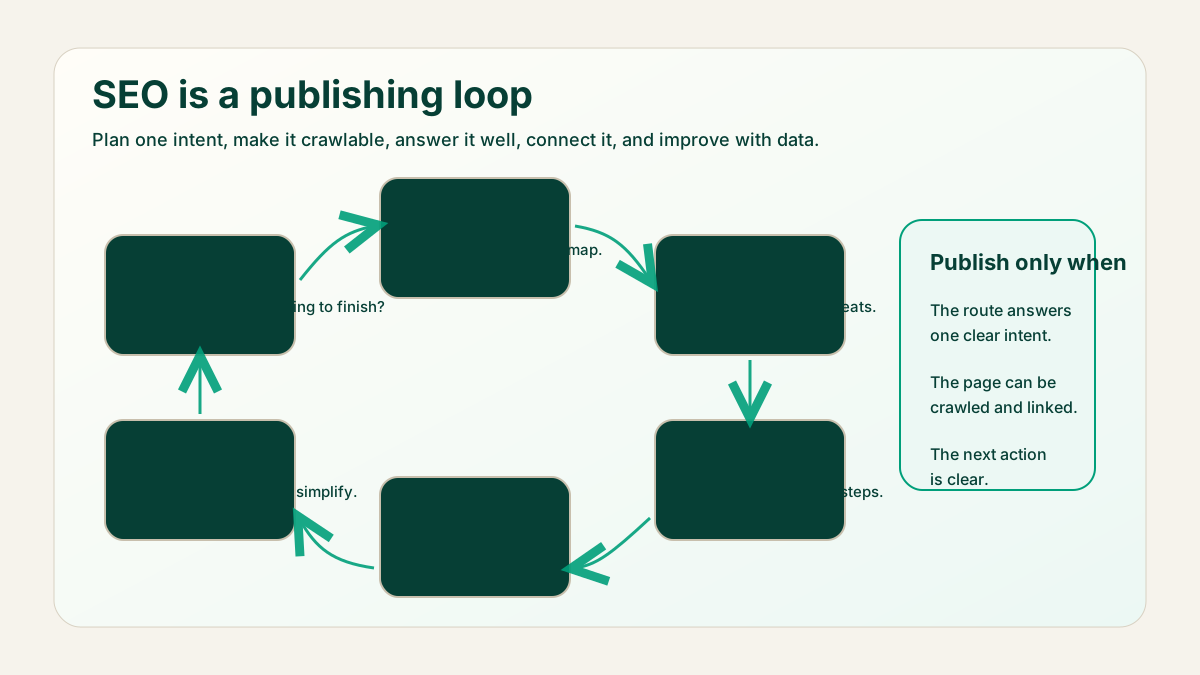
Google Play screenshot storytelling के लिए defensible workflow चलाएं
- Google Play screenshot storytelling question, affected URL/event और observation date लिखें।
- Diagnosis support करने वाला server response, rendered HTML या report view capture करें।
- Build an ordered visual narrative that shows real product tasks, benefit-led captions, and device-appropriate assets.
- Smallest reversible change चुनें और expected evidence record करें।
- Unrelated reports compare करने की जगह same metric, population और time window review करें।
- Final explanation को original change न करने वाले reader के लिए भी useful रखें।
- Publish करने से पहले expected search intent, page promise और verification method document करें।
- Mobile पर rendered page review करें क्योंकि cramped layouts, hidden tables या broken controls good content को poor experience बना सकते हैं।
Worked example: एक Google Play screenshot storytelling decision लें
Google Play screenshot storytelling से जुड़ा change दिखने पर team सभी pages rewrite नहीं करती। वह representative URL या interaction चुनती है, response और rendered evidence save करती है, one hypothesis लिखती है और smallest safe correction apply करती है। Next review same baseline compare करता है।
- Final article से पहले page brief लिखें।
- Primary query group और reader का next action name करें।
- सिर्फ draft data नहीं, rendered page check करें।
- Verification date record करें ताकि later reporting में context रहे।
Google Play screenshot storytelling evidence verify करें
- Title, H1, summary और first section same practical outcome describe करें।
- Page में examples या decision rules हों जिन्हें reader immediately apply कर सके।
- Important links crawlable anchors हों और natural context में हों।
- Sitemap page को तभी include करे जब वह live और canonical हो।
- Page ऐसे claims avoid करे जो visible content या data से verify नहीं होते।
- Editor के लिए review date, publish date और next measurement point clear हों।
Google Play screenshot storytelling answer बदलने वाली limits
Decision rules work को honest रखते हैं। Rule page को SEO opinions के collection में बदलने से बचाता है और दूसरे reviewer के लिए review आसान करता है। Rule बताए कि evidence weak हो तो क्या करना है, page thin हो तो क्या करना है, signals conflict करें तो क्या करना है, और कब better data का wait करना safest है।
- अगर page clear reader need answer नहीं कर सकता, उसे indexable content की तरह publish न करें।
- अगर technical signal visible content से conflict करता है, visible content fix करें या signal remove करें।
- अगर section सिर्फ title को अलग words में repeat करता है, उसे example, checklist या caveat से replace करें।
- अगर change verify नहीं हो सकता, उसे completed fix की जगह editorial assumption mark करें।
- Future scheduled page को publish date से पहले public links और sitemaps से बाहर रखें।
Google Play screenshot storytelling first fix कब नहीं है
URL unavailable हो, evidence stale हो, page का clear reader task न हो या release ने broad outage introduce किया हो तो पहले basic access और factual baseline restore करें।
Google Play screenshot storytelling mistakes जो false confidence देती हैं
- One report, crawl या screenshot को complete diagnosis मानना।
- कई independent variables बदलकर later movement को एक change से attribute करना।
- Using decorative screens, misleading claims, or a feature graphic that cannot explain the product's first useful outcome.
- Evidence केवल hypothesis support करे तब confident claim publish करना।
- Dated review के बिना experimental directive या workaround छोड़ देना।
Google Play screenshot storytelling change ने help की या नहीं measure करें
इस work को short feedback loop से measure करें: crawl status, sitemap visibility, intended query group impressions, snippets change होने पर clicks/CTR, page engagement और reader related guide या tool तक जाता है या नहीं। Single day data से success judge न करें; search systems, crawling और reporting अलग timelines पर move करते हैं।
Google Play screenshot storytelling evidence verify करें: release checks
- Canonical URL, title, meta description, headings और language alternates confirm करें।
- Mobile और desktop पर page open करके spacing, tables, diagrams और code blocks check करें।
- Page sitemap में तभी appear करे जब वह live हो।
- Images में useful alt text हो और layout shift न create करें।
- Related guides से internal links destination page public होने के बाद add करें।
Recommendation: Google Play screenshot storytelling decision को reviewable रखें: AI review prompt
इस prompt को real URL, draft या crawl export के साथ use करें। Output को review करके ही publish करें, क्योंकि SEO में context और business priority दोनों जरूरी होते हैं।
Careful SEO implementation reviewer की तरह काम करें.
Page/topic: Google Play screenshots और feature graphic
URL or draft: [URL or content]
Search intent: [intent]
Review करें: crawlability, title, meta description, headings, content depth, examples, internal links, structured data/canonical needs, mobile UX और measurement plan.
Exact page sections के साथ prioritized fixes return करें.
अक्सर पूछे जाने वाले सवाल
क्या Google Play screenshot storytelling result guarantee करता है?
नहीं। यह decision और evidence quality improve करता है; external systems अपना response खुद चुनते हैं।
Change से पहले क्या capture करें?
Affected URL/event, date, source evidence, current implementation, expected effect और rollback condition record करें।
Measurement में कितना समय लगेगा?
System और traffic के अनुसार window चुनें और equivalent dates compare करें।
क्या tool review replace कर सकता है?
Tools evidence collect करते हैं, पर context और safety के लिए human review जरूरी है।
Recommendation: Google Play screenshot storytelling decision को reviewable रखें
अच्छा SEO page सिर्फ keyword optimized नहीं होता। वह crawlable, useful, readable और honest होता है। Publish करने से पहले rendered page, snippet fields, internal links, indexability और reader action को साथ में check करें।
Page को तब revisit करें जब search intent बदले, product या platform बदले, Search Console नए query groups दिखाए, या users बार-बार clarification मांगें। Content refresh page को ज्यादा accurate और useful बनाए; यह cosmetic date change नहीं होना चाहिए।